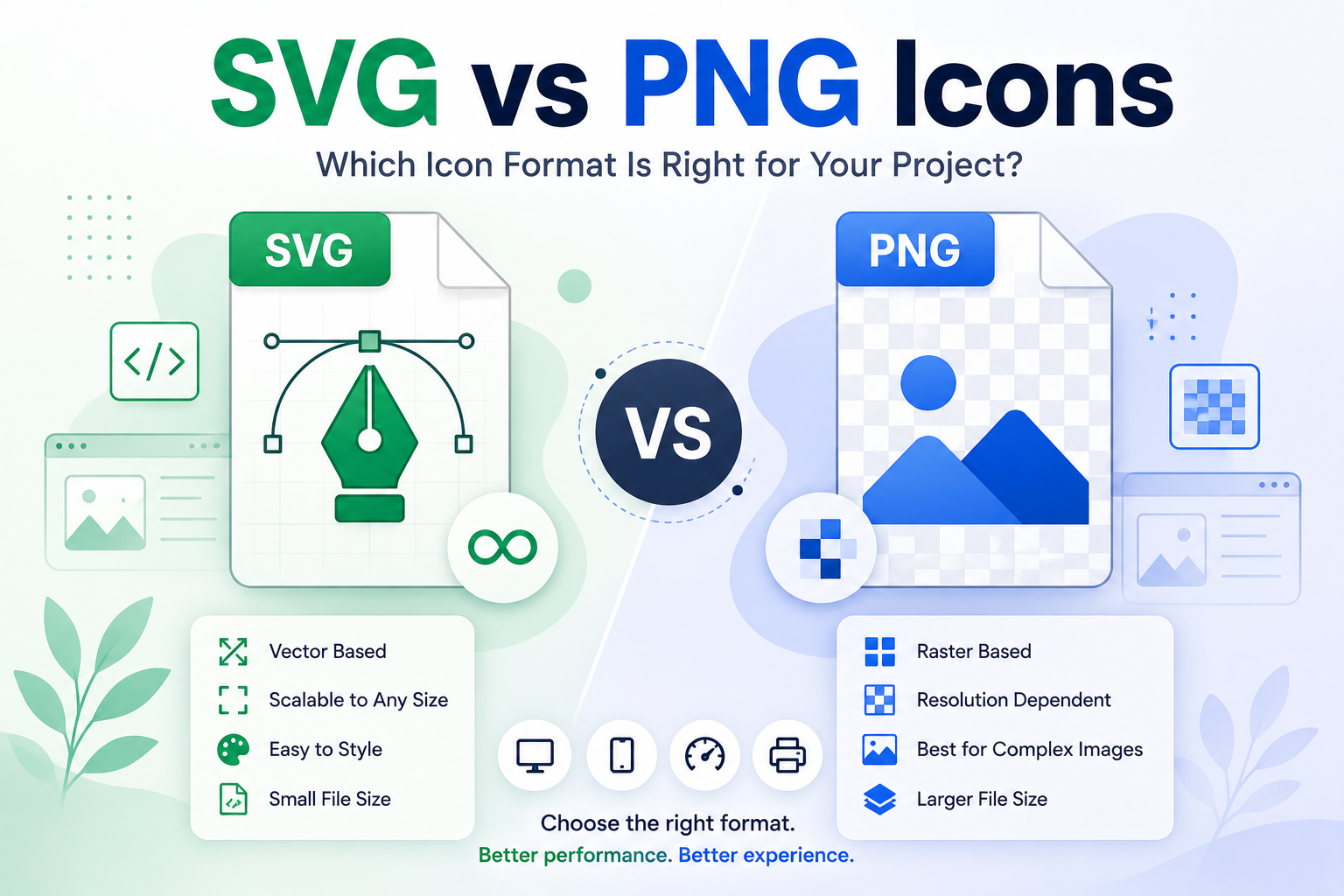
Icons are an essential part of modern websites, mobile apps, dashboards, presentations, and digital products. But when creating or downloading icons, one common question comes up: Should you use SVG or PNG?
Both formats have their advantages, but they work differently. Understanding the difference can help you choose the right icon format for your project.
What Is an SVG Icon?
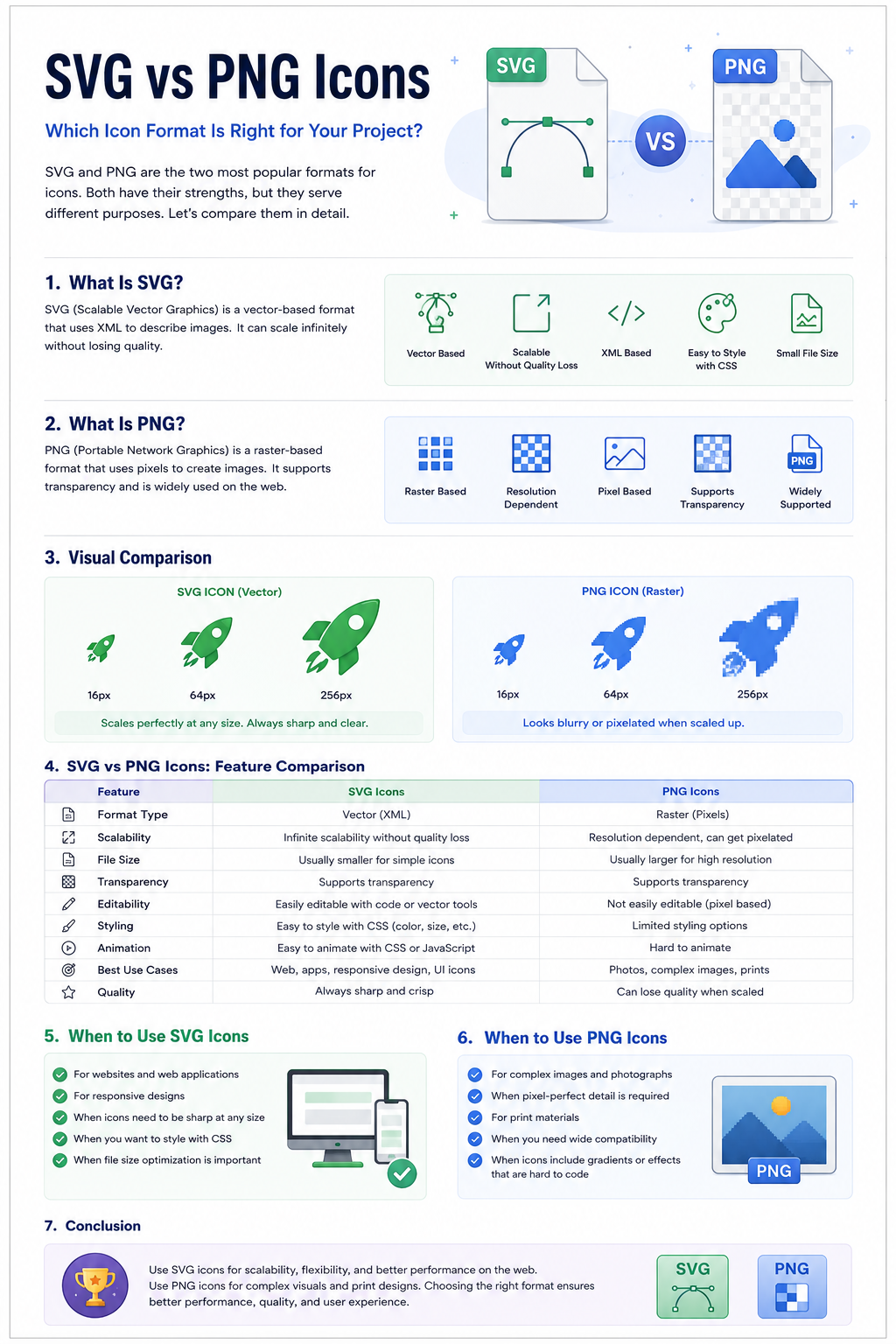
SVG (Scalable Vector Graphics) is a vector-based image format. Instead of storing an icon as individual pixels, SVG describes the icon using mathematical shapes, paths, lines, and curves.
This means an SVG icon can be resized without losing its quality.
For example, the same SVG icon can be displayed at:
- 16 × 16 pixels
- 32 × 32 pixels
- 64 × 64 pixels
- 128 × 128 pixels
- 512 × 512 pixels
The icon remains sharp at every size.
Benefits of SVG Icons
- Scalable: Can be resized without becoming blurry.
- Small file size: Simple icons can be extremely lightweight.
- Easy to customize: Colors, strokes, shapes, and other properties can often be edited.
- Perfect for responsive design: Works well across different screen sizes.
- Great for websites and apps: SVG can be embedded directly into HTML.
- Supports animation: SVG elements can be animated using CSS or JavaScript.
What Is a PNG Icon?
PNG (Portable Network Graphics) is a raster image format. A PNG icon is made from pixels, so its quality depends on its original resolution.
For example, a 32 × 32 PNG icon may look sharp at its intended size but become blurry when enlarged significantly.
PNG supports transparent backgrounds, making it useful for icons that need to sit on different backgrounds.
Benefits of PNG Icons
- Simple to use: Supported by virtually every design and software application.
- Transparency: Supports transparent backgrounds.
- Good for detailed graphics: Useful when an icon contains complex raster effects or textures.
- Predictable appearance: What you export is generally what you see.
- Useful for fixed-size designs: Ideal when the icon will always be displayed at a specific resolution.
SVG vs PNG: Key Differences
| Feature | SVG | PNG |
|---|---|---|
| Image type | Vector | Raster |
| Scaling | Excellent | Limited |
| Quality when enlarged | Remains sharp | Can become pixelated |
| Transparency | Yes | Yes |
| Editing | Easy for vector editors/code | Usually requires raster editing software |
| Animation | Supported | Not normally used for animation |
| Responsive websites | Excellent | Good for fixed sizes |
| Complex photographic detail | Not ideal | Better |
| File size | Often very small for simple icons | Depends on resolution |
| Best use | Web, UI, apps, responsive designs | Fixed-size graphics and raster designs |
When Should You Use SVG Icons?
SVG is usually the better choice when an icon needs to work across multiple sizes and devices.
Use SVG when:
1. You Are Designing a Website
Websites need to work on desktops, tablets, and smartphones. SVG icons can scale smoothly across different screen sizes.
2. You Need Multiple Icon Sizes
Instead of exporting separate files for every size, a single SVG can be resized when needed.
3. You Want Easy Color Customization
SVG icons can often be modified using CSS or design software. This is particularly useful for UI systems where icons change color depending on their state.
4. You Are Building a Design System
Large design systems benefit from vector icons because designers and developers can maintain consistent icons across many products.
5. You Need Crisp Icons on High-Resolution Screens
SVG remains sharp on high-DPI and Retina displays, making it particularly useful for modern interfaces.
When Should You Use PNG Icons?
PNG is still useful when vector graphics aren't the best option.
Use PNG when:
1. You Need a Fixed-Size Image
If an icon will always appear at one specific resolution, PNG can work perfectly well.
2. The Graphic Contains Raster Effects
Some graphics include textures, complex pixel effects, or other details that are better represented as raster images.
3. Your Software Does Not Support SVG
Older applications or certain platforms may have limited SVG support. PNG provides broad compatibility.
4. You Need a Quick Image Export
For simple situations where editing or scaling isn't required, a PNG can be convenient.
SVG vs PNG for Websites
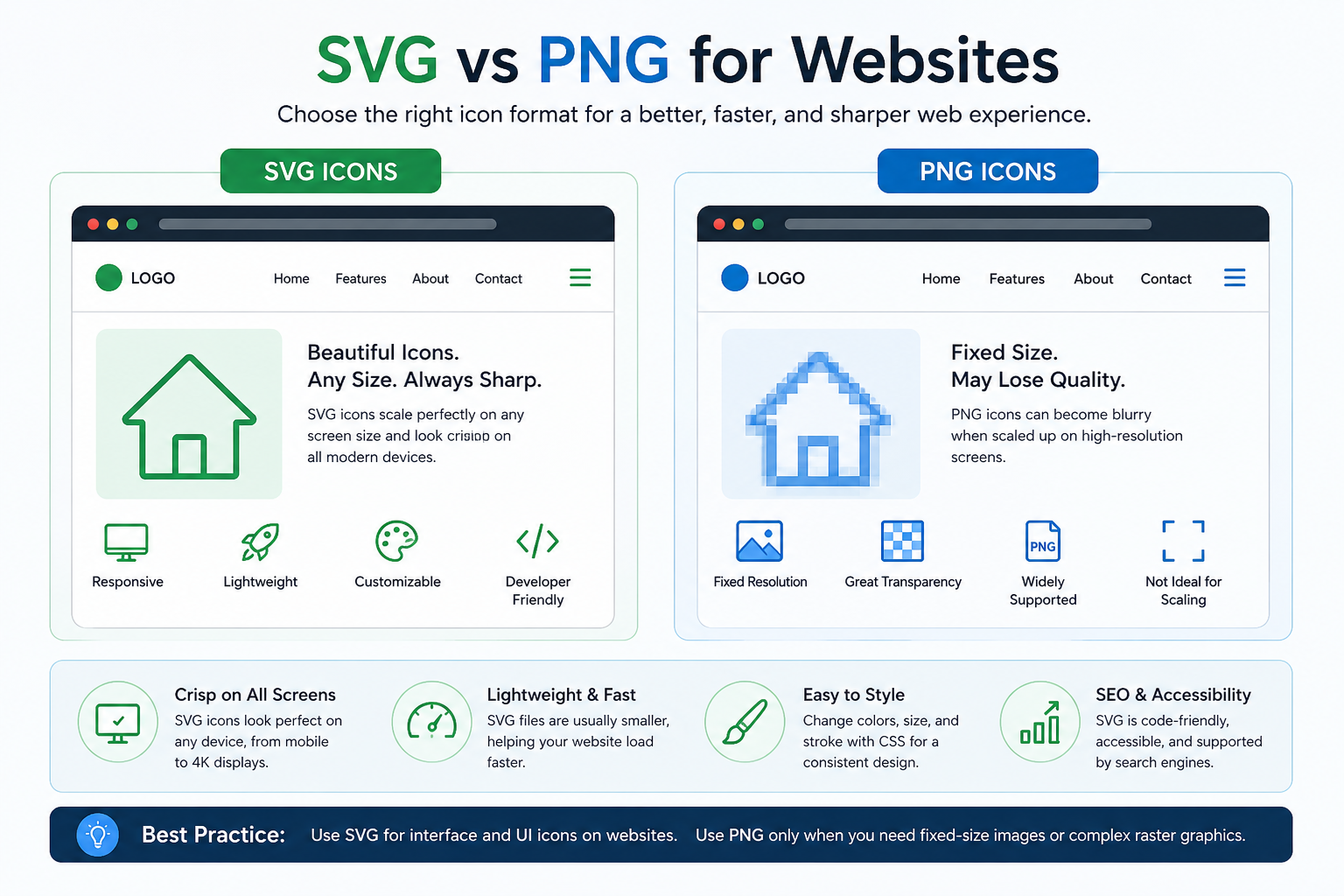
For most modern websites, SVG is the preferred choice for interface icons.
Navigation icons, search icons, menu icons, arrows, social icons, and other UI elements often benefit from SVG because they need to remain sharp at different sizes.
PNG can still be useful for images that don't need to scale or where raster rendering is specifically required.
SVG vs PNG for Mobile Apps
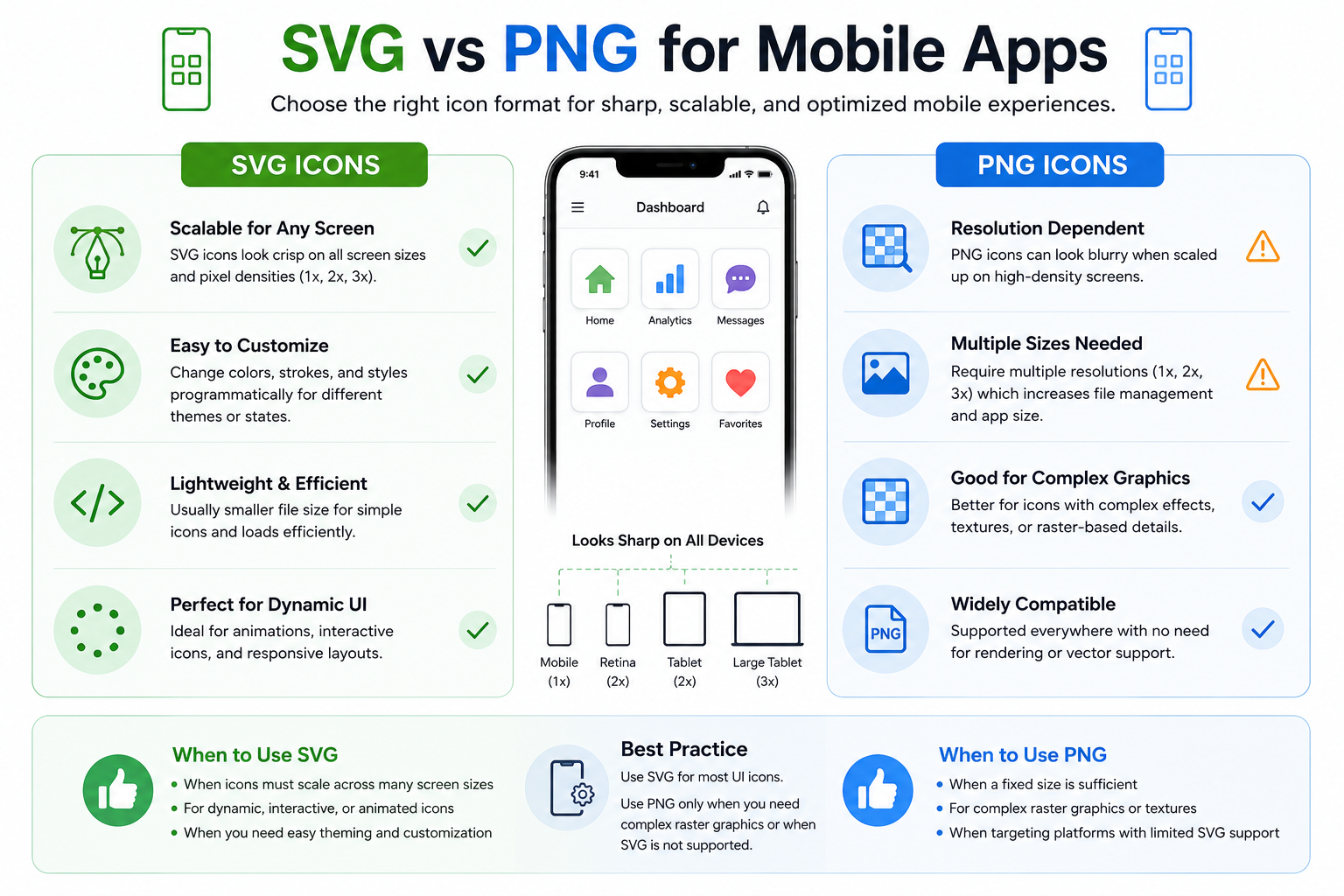
Both formats can be used in mobile applications, but the best option depends on the platform and development workflow.
SVG is particularly useful when the same icon needs to be displayed at different sizes. However, some platforms may convert vector assets into platform-specific resources during the build process.
PNG remains useful when a project requires predefined raster assets.
SVG vs PNG for Icon Designers
If you are creating icon packs for designers, developers, or stock marketplaces, offering both SVG and PNG versions can make your assets more flexible.
SVG gives users an editable and scalable vector source, while PNG provides a ready-to-use raster version.
For professional icon packs, you may also consider providing multiple styles, such as:
- Line icons
- Filled icons
- Flat icons
- Color icons
- Gradient icons
- Duotone icons
Which Format Has Better Quality?
For icons, SVG generally provides better scalability and resolution independence.
A PNG icon has a fixed number of pixels. When enlarged beyond its intended resolution, those pixels become more noticeable.
An SVG icon uses vector paths, allowing the browser or application to render it at the required size.
Which Format Has a Smaller File Size?
There is no universal winner.
A simple SVG icon can be extremely small because it may contain only a few paths and shapes. However, complicated SVG files can become large.
PNG file size depends heavily on its dimensions, compression, and visual complexity.
For simple UI icons, SVG will often be more efficient.
SVG or PNG: Quick Decision Guide
Choose SVG icons if you need:
- Scalable icons
- Responsive web icons
- Editable vector artwork
- Multiple sizes from one file
- Crisp graphics on high-resolution screens
- Easy color customization
- Lightweight UI assets
Choose PNG icons if you need:
- Fixed-size icons
- Maximum compatibility
- Raster-based effects
- Pixel-based artwork
- Ready-to-use bitmap images
Final Verdict
For most modern UI and web icons, SVG is the better choice because it is scalable, flexible, editable, and resolution-independent.
PNG is still valuable when you need a fixed-size raster image, broad compatibility, or graphics containing complex pixel-based details.
The best choice ultimately depends on how the icon will be used. If flexibility and scalability matter, choose SVG. If you need a straightforward raster image at a specific size, PNG can be the right option.
SVG vs PNG in One Sentence
SVG is best for scalable, flexible icons; PNG is best for fixed-size raster graphics.